
Bookkeeping is rarely the reason someone becomes self-employed. You start a business to design websites, advise clients, sell products, write content, or provide a service. Then the financial admin begins.
A client pays an invoice. Software charges hit three different cards. You drive 140 business miles. A refund arrives two weeks after the original sale. By tax season, your bank statements contain hundreds of transactions that need to be sorted.
A spreadsheet can work at the beginning. It becomes less dependable once you have recurring invoices, online payments, business mileage, sales tax, contractor payments, or several financial accounts.
The problem is that many accounting platforms cost $30, $50, or even $70 per month. That is difficult to justify when your business is still earning its first few thousand dollars.
Cheap bookkeeping software should reduce your workload without stripping away the features that make software useful. At minimum, it should track income and expenses, create basic financial reports, organize receipts, and help you reconcile transactions.
This ranking looks at the real cost of five budget-friendly options, not just temporary introductory prices. It also considers bank connections, invoicing limits, receipt capture, mileage, tax support, accountant access, and how easily the software can grow with a one-person business.
What Does “Cheap” Bookkeeping Software Really Mean?
The cheapest subscription is not always the least expensive system.
Imagine Software A is free but requires two hours of manual transaction entry every month. Software B costs $15 per month and imports those transactions automatically.
If you value your time at $30 per hour:
- Software A’s time cost: 2 hours × $30 = $60 per month
- Software B’s subscription cost: $15 per month
- Potential monthly difference: $45
That does not mean every solopreneur should pay for automation. A photographer with ten transactions per month may manage comfortably on a free plan. A consultant processing 150 monthly transactions will usually benefit from automatic bank feeds and reconciliation tools.
Before choosing, check these five areas:
- Bank connections: Can transactions be imported automatically?
- Accounting method: Does the software support full double-entry accounting or only simplified income and expense tracking?
- Invoicing limits: Are limits based on invoices, clients, or both?
- Tax support: Does it estimate taxes, track mileage, or prepare 1099 information?
- Upgrade cost: What will you pay when the business outgrows the cheapest plan?
Why it matters: A free account becomes expensive when you must rebuild the books later because your accountant cannot use the reports.
Quick Comparison of the Five Cheapest Bookkeeping Options
| Software | Regular starting price | Best for | Main limitation |
|---|---|---|---|
| Wave Starter | $0 | Basic accounting and unlimited invoices | No automatic bank imports |
| Zoho Books Free | $0 | Feature-rich free bookkeeping | Free plan lacks connected bank feeds |
| QuickBooks Solopreneur Lite | $20 per month | Schedule C taxes and mileage | No accountant access on Lite |
| FreshBooks Lite | $23 per month | Service businesses with few clients | Limited to five billable clients |
| Xero Early | $25 per month | Full accounting and bank reconciliation | Only 20 invoices and five bills |
FreshBooks currently offers a steep introductory discount, while Xero also advertises a new-customer promotion. Those offers reduce the opening cost, but the account eventually renews at the regular rate.
Why it matters: Compare the cost in month seven or year two, not only the price displayed on the sign-up button.
1. Wave: Best Free Bookkeeping Software for Basic Needs
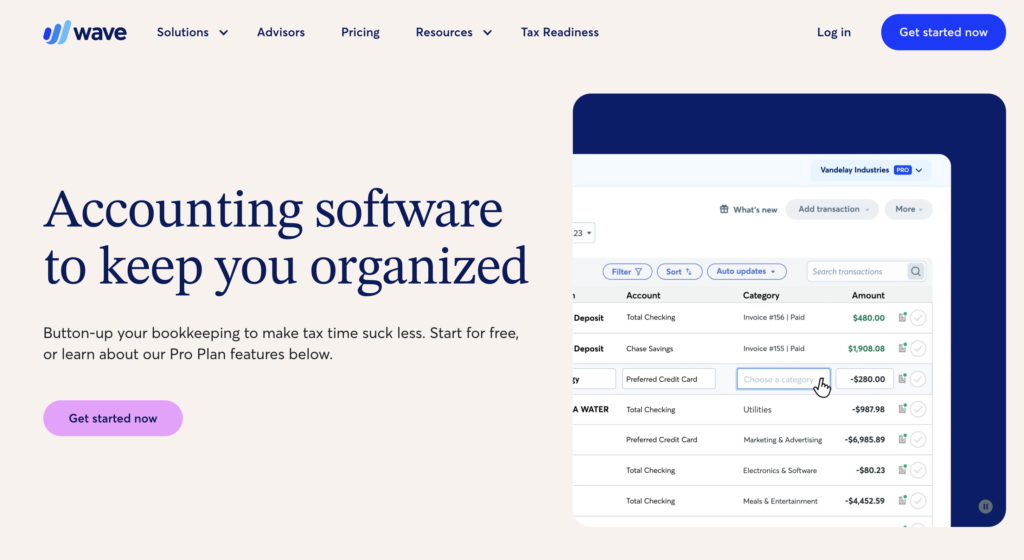
Wave Starter is the best place to begin when your budget is genuinely zero.
The free plan currently lets you create unlimited invoices, estimates, bills, and bookkeeping records. It also includes a dashboard for monitoring customers and cash flow, plus mobile invoicing.
That is generous for free software.
What Wave Starter can handle
Wave Starter is suitable for a solopreneur who:
- Sends simple invoices
- Records income and expenses manually
- Needs basic financial statements
- Has a relatively small number of transactions
- Does not require inventory or advanced project accounting
Suppose a freelance editor sends eight invoices per month and records 30 business expenses. Wave Starter can handle that activity without an invoice cap or monthly subscription.
The major catch is bank automation.
Automatic bank transaction imports, automatic transaction merging and categorization, and unlimited digital receipt capture are Pro features. Wave Pro costs $19 per month or $190 when billed annually.
The annual option therefore saves:
$19 × 12 − $190 = $38 per year
Pro also removes much of the repetitive work. Instead of entering a $19 design subscription, $85 phone bill, and $240 client payment manually, connected transactions can flow into the account for review.
Insider nuance: free is best only while the books stay simple
Wave Starter is not a bad product with features removed until it becomes unusable. You can still maintain bookkeeping records and produce unlimited invoices.
But the missing bank feed changes the workload.
If your business processes 200 transactions per month, paying $190 per year for Pro may be more economical than entering each transaction manually. If you process 20, the free plan may be perfectly adequate.
Payment processing is optional and carries separate transaction charges. On Starter, standard card processing currently begins at 2.9% plus $0.60 per transaction. Software cost and payment-processing cost should therefore be evaluated separately.
Why it matters: Wave is the strongest zero-cost choice when you are willing to do some bookkeeping manually. Upgrade only when automation saves more time than the subscription costs.
2. Zoho Books: Best Free Option With Room to Grow
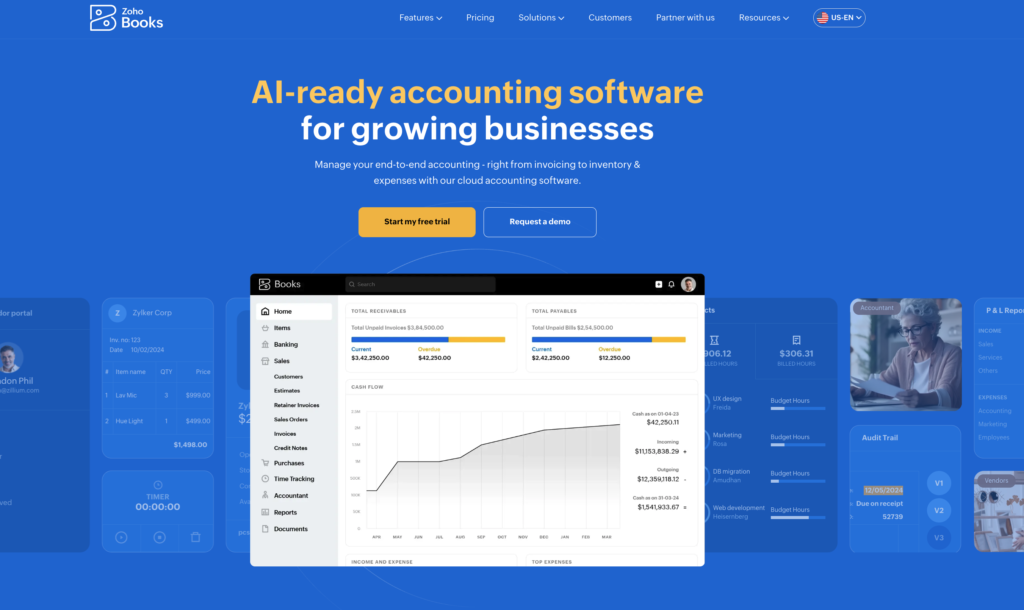
Zoho Books offers one of the deepest free accounting plans available to U.S. solopreneurs and microbusinesses.
The Free plan costs $0 per organization per month. It currently supports up to 1,000 invoices and 1,000 expenses annually, along with 50 receipt autoscans per month.
That works out to an average of:
- Approximately 83 invoices per month
- Approximately 83 expenses per month
- 50 scanned receipts per month
For many freelancers and small online businesses, those limits are generous enough to support real operations rather than a short software trial.
When the Standard plan becomes worthwhile
The Free plan does not include connected bank feeds. Zoho Books Standard adds:
- Bank-feed connections
- Recurring expenses
- Progress invoicing
- Sales and use tax tracking
- 1099-MISC and 1099-NEC e-filing
- Custom reports
- Transaction-period locking
Standard costs $20 per month, or $15 per month when billed annually. It also raises the annual invoice and expense limits to 5,000 each and includes 200 receipt autoscans per month.
Annual billing costs:
$15 × 12 = $180 per year
Paying monthly would cost:
$20 × 12 = $240 per year
That creates a $60 annual saving for committing to the yearly plan.
Who should choose Zoho Books?
Zoho Books is particularly attractive when you want proper accounting features without moving to an expensive subscription immediately.
It is also a logical choice if you already use Zoho Invoice, Zoho CRM, or other products in the Zoho ecosystem. The interface contains more accounting terminology than a simplified freelancer app, but that added structure can make the records more useful as the business grows.
Why it matters: Zoho Books Free is not merely an invoicing app. It provides enough capacity for many solopreneurs to maintain organized books, while the $15 annual-billing price for Standard remains competitive when automated bank feeds become necessary.
3. QuickBooks Solopreneur: Best for Schedule C Taxes and Mileage
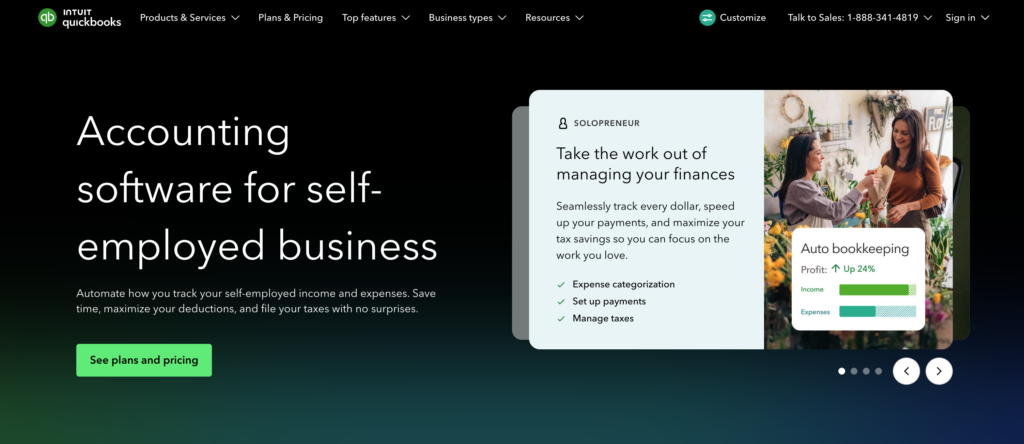
QuickBooks Solopreneur is designed specifically for one-person businesses, including many sole proprietors and single-member LLCs filing Schedule C.
The Lite plan currently has a regular price of $20 per month, with a temporary 50% discount for the first three months. It includes one user, unlimited invoices, unlimited receipt and mileage tracking, mobile access, automated bill pay, sales tax tools, and management for up to three contractors.
At the regular rate, the annual subscription cost is:
$20 × 12 = $240
Under the current three-month promotion, the first 12 months would cost approximately:
($10 × 3) + ($20 × 9) = $210
Where QuickBooks Solopreneur earns its price
The software automatically separates and categorizes business and personal transactions after you connect bank and credit card accounts. It also tracks income, expenses, receipts, and business mileage, then organizes the information for Schedule C reporting.
Consider a consultant who drives 4,000 business miles, receives payments through several methods, and uses one credit card for both personal and business purchases. QuickBooks Solopreneur can reduce the manual work involved in:
- Separating mixed transactions
- Saving receipt images
- Recording business mileage
- Preparing income and expense totals
- Identifying possible deductions
The limitation that accountants notice
QuickBooks Solopreneur uses simplified, self-employed-focused accounting rather than the full double-entry structure found in QuickBooks Online Simple Start. The Lite plan also does not include accountant access.
That distinction matters if you need a balance sheet, a customizable chart of accounts, inventory tracking, or more traditional financial reporting.
Why it matters: QuickBooks Solopreneur costs more than Wave or Zoho Books Free, but its tax-focused organization and mileage tools may justify the price for a busy Schedule C filer. It is best for a business of one, not a company preparing to add complex accounting workflows.
4. FreshBooks Lite: Best for Service Businesses With a Small Client List
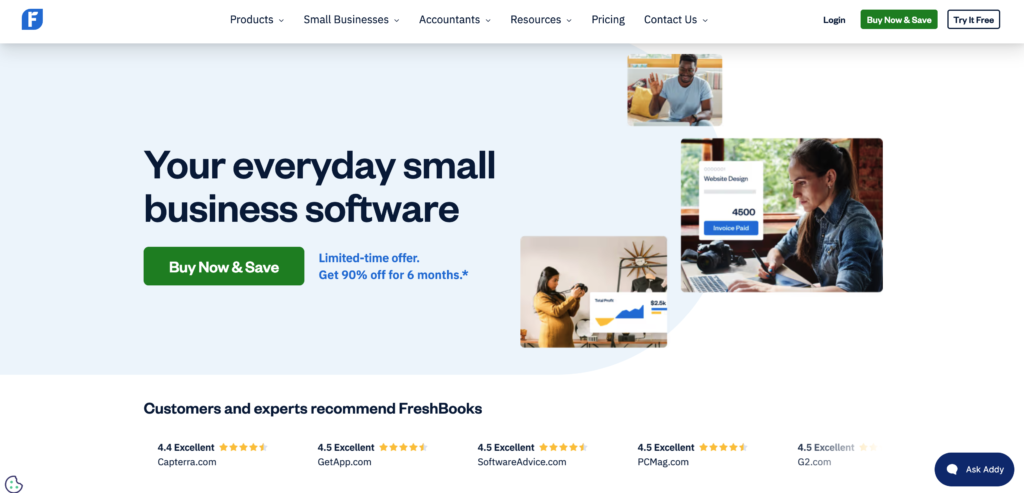
FreshBooks was built around invoicing, time tracking, expenses, and client communication. That focus makes it a practical choice for consultants, designers, photographers, coaches, and other solopreneurs who bill clients directly.
FreshBooks Lite currently costs $23 per month at the regular monthly rate, although the company frequently runs introductory discounts. The plan supports unlimited customized invoices, estimates, expense tracking, automatic bank imports, time tracking, mileage tracking, recurring invoices, late-payment reminders, and tax-time reports. The main restriction is that you can invoice only five billable clients.
Understand what “five clients” actually means
The limit applies to active billable clients, not the number of invoices.
Suppose you work with:
- One website-maintenance client
- Two consulting clients
- One coaching client
- One occasional design client
FreshBooks Lite can support all five, even if you send each client several invoices during the month.
Add a sixth active client, however, and you may need to archive an old client or move to FreshBooks Plus. Plus currently has a regular monthly price of $43 and supports up to 50 billable clients. It also adds accountant access, bank reconciliation, double-entry accounting reports, proposals, retainers, and receipt-data capture.
That creates an important cost jump:
- FreshBooks Lite: $23 × 12 = $276 per year
- FreshBooks Plus: $43 × 12 = $516 per year
- Difference: $240 per year
Where FreshBooks earns its price
FreshBooks is strongest when you need to track time and convert that work into professional invoices.
Imagine a freelance consultant bills $75 per hour and spends 20 minutes each week manually rebuilding time records from calendar entries. That is more than 17 hours per year.
At a $75 hourly rate, those hours represent more than $1,275 of potential billable time. Even if software recovers only a fraction of that time, the $276 annual subscription may be reasonable.
The main limitation
FreshBooks Lite is easy to use, but it is not the best option when you need accountant collaboration or full reconciliation workflows. Those features require Plus or a higher plan.
Why it matters: FreshBooks Lite is affordable for a stable service business with five or fewer clients. The client cap becomes expensive when growth forces an early upgrade.
5. Xero Early: Best for Full Accounting and Bank Reconciliation
Xero Early is the strongest option in this ranking for a solopreneur who wants traditional double-entry accounting without paying for a higher-tier small-business plan.
Its regular U.S. price is currently $25 per month, after any introductory discount. Early includes:
- Bank transaction reconciliation
- Smart document capture
- Real-time financial reports
- Sales tax tools
- W-9 and 1099 management
- A 30-day cash-flow forecast
- Standard domestic ACH bill payments
The plan limits users to 20 approved or sent invoices and five entered bills per month. Transactions created through connected applications may also count toward the invoice limit.
Test the invoice limit before subscribing
Suppose a marketing consultant has eight clients and invoices each one monthly. Eight invoices fit comfortably.
Now consider an online tutor who sends individual invoices after every session:
- Five students
- One session per week
- Four weeks per month
- Total invoices: 20
The tutor is already at the plan limit. One extra session could require an upgrade to Xero Growing, which currently renews at $55 per month after the promotional period.
The five-bill limit can also be restrictive. A bill is generally money your business owes to a supplier, not every debit card purchase. A consultant paying rent, an attorney, a subcontractor, software vendor, and equipment supplier could use all five bill entries in one month.
Why an accountant may prefer Xero
Xero provides bank reconciliation and structured accounting reports on its entry-level plan. That gives a tax professional or bookkeeper a cleaner accounting file than a simplified income-and-expense tracker.
The annual standard cost is:
$25 × 12 = $300
That is $60 more than QuickBooks Solopreneur Lite and $24 more than FreshBooks Lite at their stated regular monthly prices. The added cost may be justified when balance-sheet accuracy, reconciliation, and bill tracking matter.
The main limitation
Xero Early is inexpensive only while your activity remains below its transaction caps. The move from $25 to $55 per month adds $360 per year.
Why it matters: Xero Early works well for a low-volume business that wants proper accounting. Count invoices and supplier bills before choosing it.
Comparative Analysis: Which Cheap Bookkeeping Software Is Best?
| Software | Best strength | Biggest limitation | Best suited for |
|---|---|---|---|
| Wave Starter | Free unlimited invoicing | Manual bank transaction entry | New businesses with simple books |
| Zoho Books Free | Generous free accounting features | No connected bank feeds on Free | Cost-conscious solopreneurs |
| QuickBooks Solopreneur Lite | Tax and mileage organization | No accountant access | Schedule C filers |
| FreshBooks Lite | Invoicing and time tracking | Five billable clients | Consultants and service providers |
| Xero Early | Reconciliation and full accounting | Invoice and bill limits | Low-volume businesses needing structured books |
Free plans versus paid automation
A free plan is usually enough when:
- You have fewer than 30 monthly transactions
- You send only a few invoices
- You review the books every week
- You do not need automatic bank imports
- Your accountant accepts the reports
A paid plan becomes easier to justify when:
- Transactions come from several accounts
- You drive regularly for business
- You bill for time
- You manage contractors or sales tax
- Manual bookkeeping is being delayed
The correct comparison is not free versus $20 per month. It is the subscription cost versus the value of the time and errors the software prevents.
How to Choose Without Rebuilding Your Books Later
Before committing, create a one-month test using actual business activity.
Count:
- Number of invoices sent
- Active billable clients
- Supplier bills
- Bank and credit card accounts
- Receipts
- Business trips
- Contractors
- Monthly transactions
Then ask your tax preparer what reports they need.
The IRS does not require businesses to use a particular bookkeeping application. Your system must clearly show income and expenses and retain supporting information needed for tax returns. Good records also help monitor business performance and support deductions.
Export a profit-and-loss statement, transaction list, customer balances, and general ledger during the trial. Confirm that the reports are understandable before importing a full year of records.
Common Mistakes to Avoid
Choosing from the promotional price
A discount may last three or six months. Calculate the first two years using the normal renewal price.
Mixing personal and business transactions
Software can categorize mixed transactions, but a dedicated business account creates cleaner records and faster reconciliation.
Connecting accounts and never reviewing them
Automation can miscategorize transfers, loan payments, owner contributions, and refunds. Review imported transactions regularly.
Ignoring upgrade thresholds
Five clients or 20 invoices may feel generous at signup. Calculate when your business will cross the limit and what the next plan costs.
Treating bookkeeping software as tax advice
Software organizes records. It does not automatically determine whether every transaction is deductible or how a complicated business should be taxed.
Pro-Tips for Success
Reconcile every month. Confirm that the software balance matches each bank and credit card statement.
Create consistent categories. Do not record the same subscription as software one month and office expense the next.
Attach receipts to unusual purchases. The transaction amount alone may not explain the business purpose.
Close each month before moving on. Correcting 15 transactions now is easier than repairing 180 at tax time.
Export backups regularly. Save financial statements and transaction-level data outside the software.
Frequently Asked Questions
1. What is the best free bookkeeping software for a solopreneur?
Wave Starter is the easiest free option for basic bookkeeping and unlimited invoicing. Zoho Books Free provides deeper accounting features and higher transaction capacity.
2. Is free bookkeeping software safe for taxes?
It can be, provided records are complete, accurate, and supported by receipts and statements. The software price does not determine whether the records meet tax requirements.
3. Do I need double-entry accounting as a solopreneur?
A very small cash-based business may manage with simplified tracking. Double-entry accounting becomes more useful when you have loans, assets, unpaid invoices, supplier bills, or need a balance sheet.
4. Is QuickBooks worth it for a one-person business?
QuickBooks Solopreneur can be worth its price for someone who needs mileage, receipt, contractor, and Schedule C organization. Its Lite plan currently allows one user and does not include accountant access.
5. Can bookkeeping software replace an accountant?
It can reduce data-entry work, but it does not replace professional advice for entity elections, payroll, sales tax, depreciation, or complicated deductions.
6. What bookkeeping software is easiest for invoicing?
FreshBooks and Wave are particularly easy for client invoicing. FreshBooks adds stronger time-tracking and payment-reminder tools.
7. Which option is best for an LLC?
The legal structure alone does not determine the best software. A simple single-member LLC may use any option listed, while an LLC taxed as an S corporation may need payroll and more formal accounting.
8. Can I switch bookkeeping software during the year?
Yes, but changing at the beginning of a month, quarter, or tax year is cleaner. Export reports and transaction data before cancelling the old service.
9. How often should a solopreneur update the books?
Weekly review is ideal for active businesses. At minimum, reconcile every financial account monthly.
10. How long should business records be kept?
The correct period depends on the transaction and tax issue involved. Records should be retained as long as needed to support income, expenses, deductions, and other items reported on a return.
Conclusion
Cheap bookkeeping software should save time without creating expensive limitations a few months later.
Wave and Zoho Books give new businesses credible free starting points. QuickBooks Solopreneur organizes taxes and mileage. FreshBooks is strong for client billing, while Xero provides more traditional accounting on its entry plan.
Choose from your actual transaction volume, not the longest feature list.
Final Verdict
Wave Starter is the best completely free option for basic bookkeeping and invoicing.
Zoho Books Free offers the strongest free feature set for owners willing to work without connected bank feeds. QuickBooks Solopreneur is the better tax-focused choice, FreshBooks fits time-billing service businesses, and Xero Early works best when bank reconciliation and full accounting matter from the beginning.
Start with the least expensive plan that handles the business you have now, but calculate the upgrade cost before moving your records into it.